PageSpeedmobile
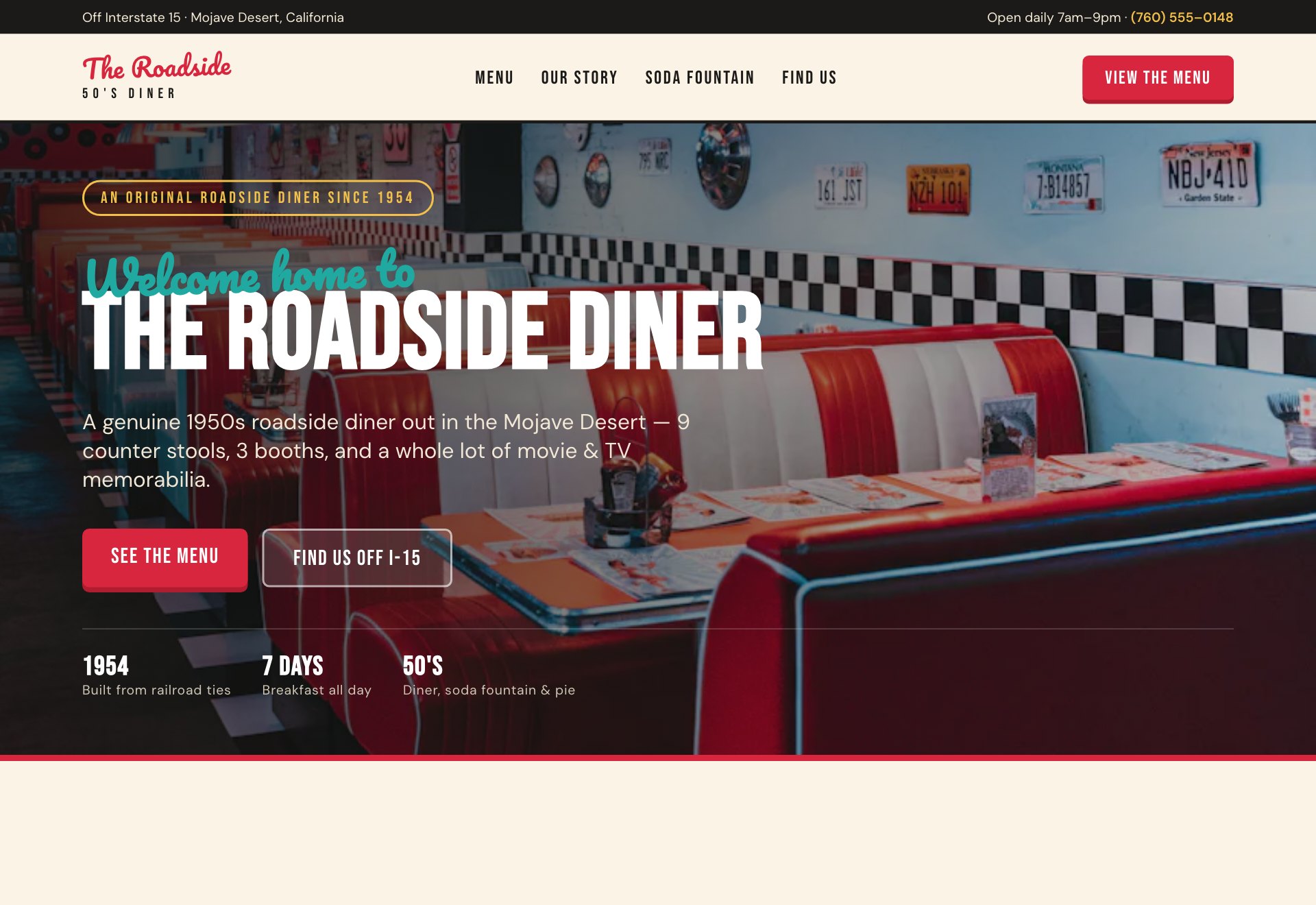
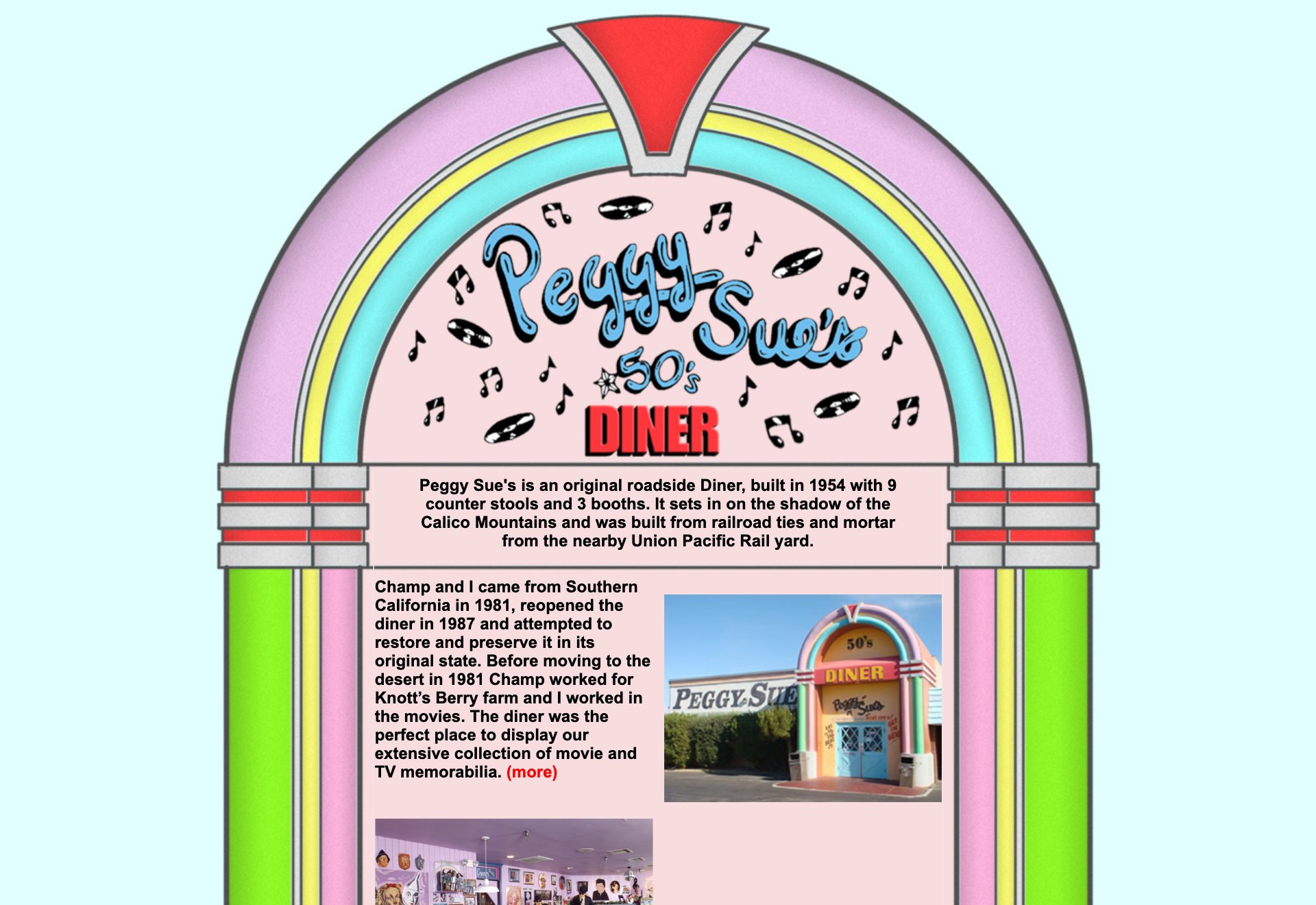
A 1950s roadside dinerCalifornia
No mobile layout at all → a real PageSpeed 91, and a homepage that loads in under a second.
That red screen means Google found malware or phishing on your site — almost always because it's been hacked. Here's the way out.
Check your inbox. Your rescue preview lands within 24 hours.
Google's Safe Browsing has blacklisted your site. Chrome, Firefox and Safari all show the red screen, and most visitors turn straight back. While it's up, traffic typically drops by 90% or more.
Why you got it: in most cases, an outdated WordPress site that's been hacked and is now serving malware or fake pages to your visitors — often without anything looking different to you.
Step 2 is where we come in: a rebuilt static site passes Google's re-check because there's literally nothing infected left to find. We handle the Search Console review request as part of the rescue.
Three clients who asked us to rebuild their outdated sites — same content, same character, finally modern and fast. Every score below is a real Google PageSpeed measurement.
No mobile layout at all → a real PageSpeed 91, and a homepage that loads in under a second.
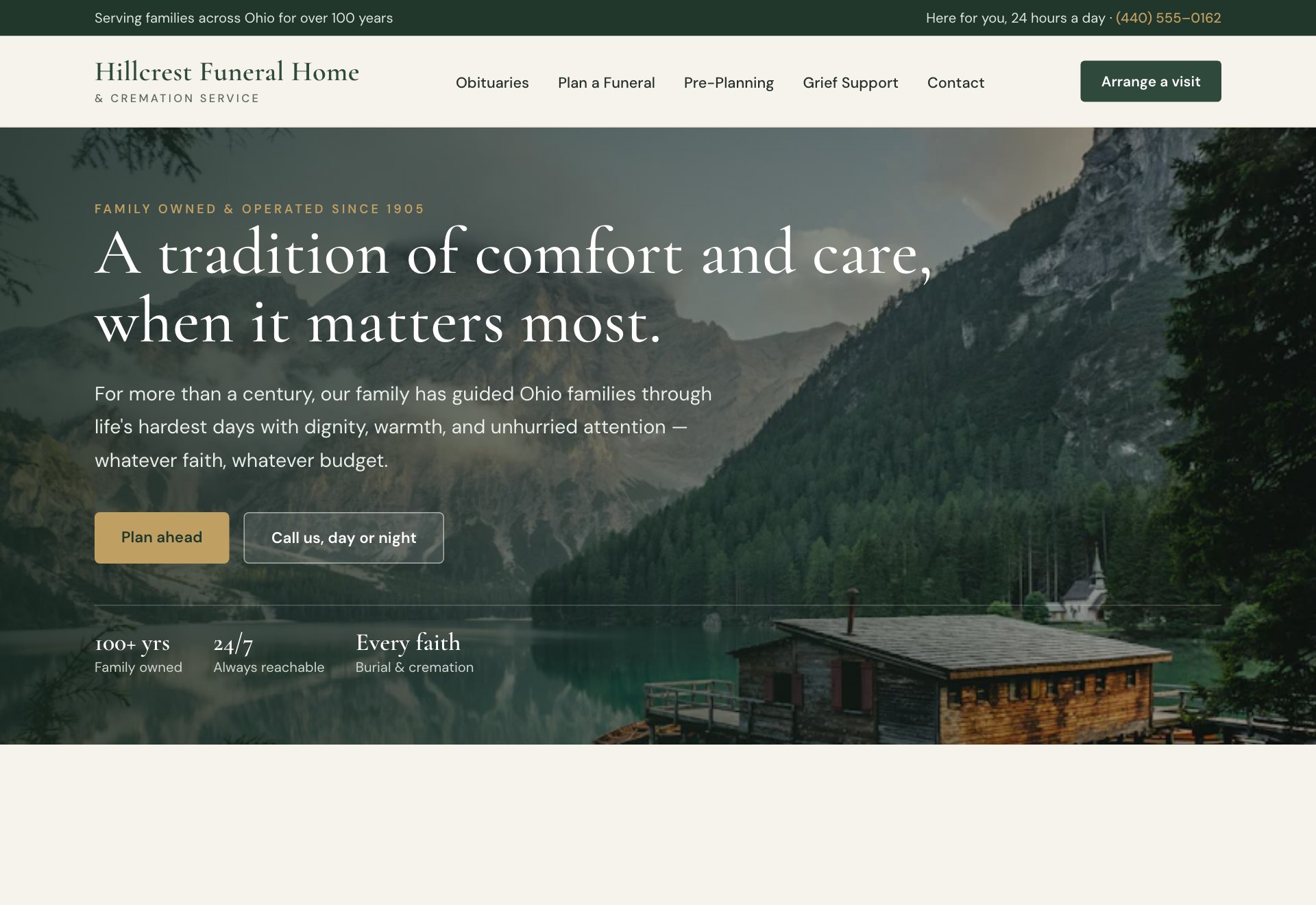
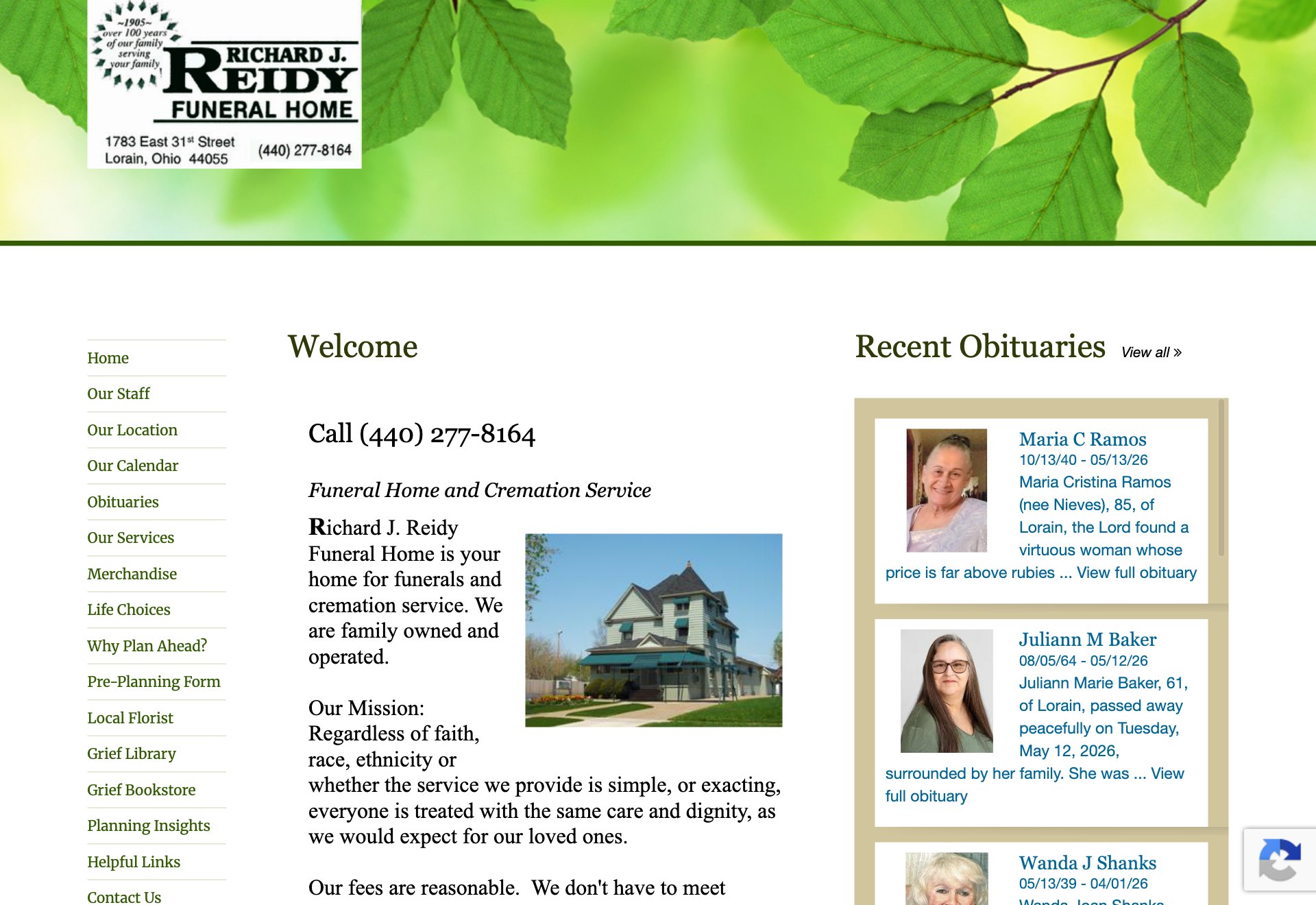
A heavy 3.4 MB page → rebuilt at a fraction of the weight, PageSpeed 90, and finally mobile-friendly.
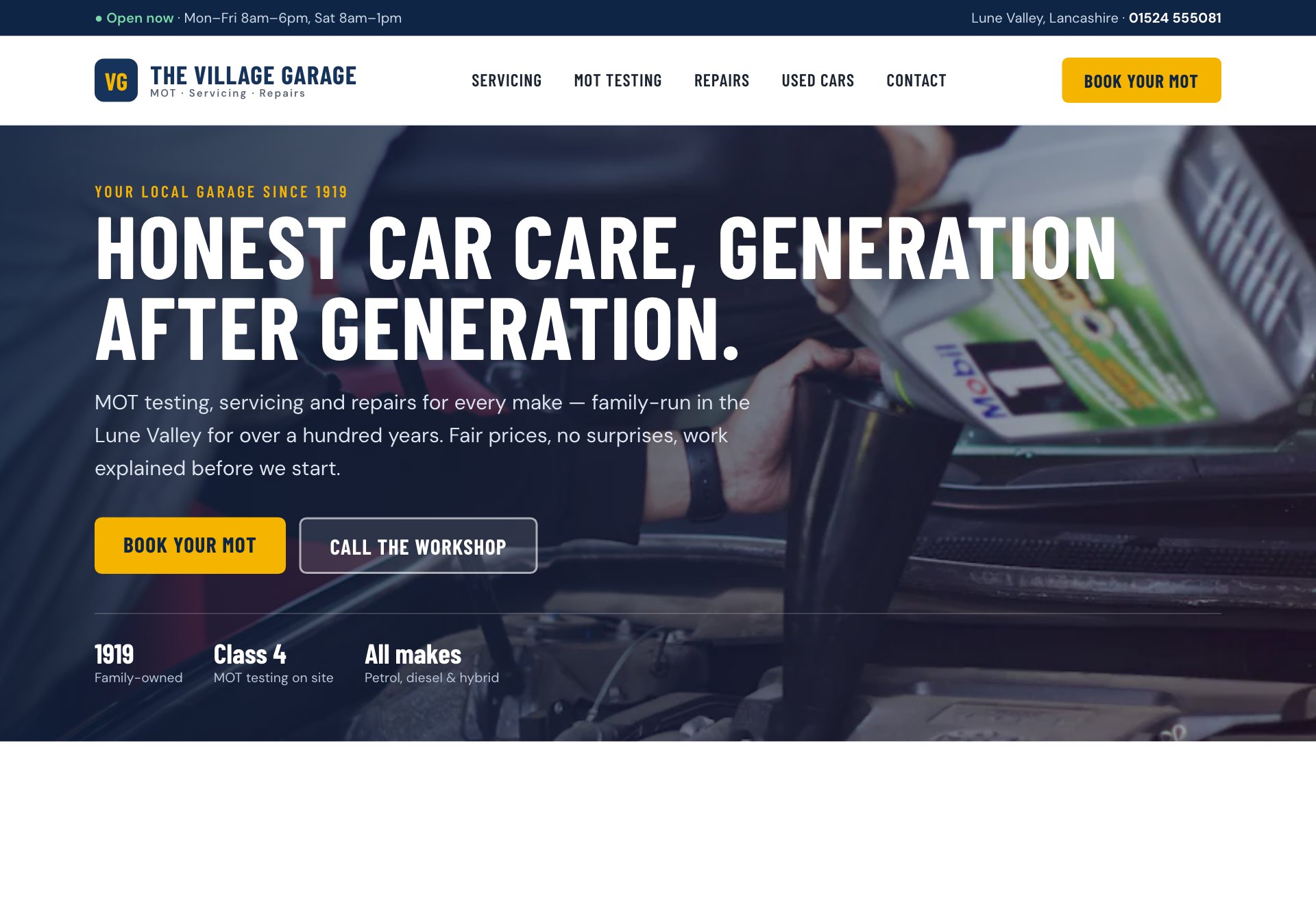
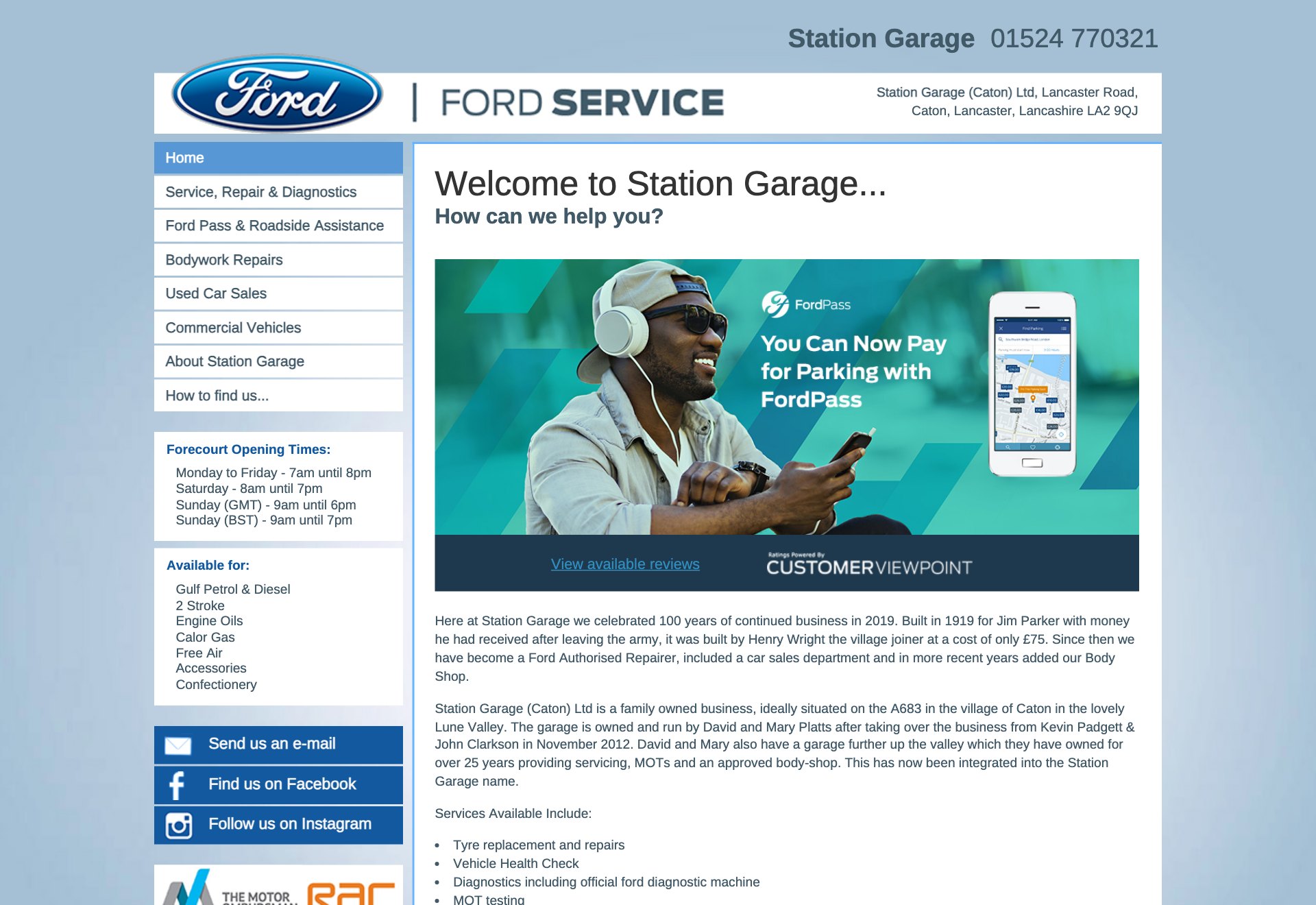
Stuck on a desktop-only layout → PageSpeed 92, lighter, and easy to use on a phone.
PageSpeed scores are measured with Google Lighthouse (mobile).
Tell us where it hurts. No forms, no calls — your web address and email is all we need to start.
Every page, every photo, every word, rebuilt as fast static files. The malware stays behind; nothing else does. You get a private preview link.
Happy with the preview? Point your domain at the new site and you're back — clean, fast, and with nothing left to hack.
No WordPress, no plugins, no login page, no database. The attack surface is gone — there's nothing for malware to live in.
Same web addresses, same content, same pages. Google sees a cleaner, faster version of the site it already knows.
Static files load in milliseconds. Your rescued site won't just be clean — it'll be the fastest it's ever been.
We host it, secure it, and make your edits for you. You'll never patch a plugin again.
We rebuild your site and put the result on a private preview link — free, no credit card. Like what you see? Go live by connecting your domain. Going live is $499 once, then $99/month for hosting, security, and edits whenever you need them. Cancel anytime. Don't like the preview? Walk away, no hard feelings.
Once your site is genuinely clean, you request a review in Google Search Console; Google re-checks within 1–3 days and lifts the warning. The real timeline question is the cleanup — with our 24-hour rebuild, most sites are warning-free within 2–4 days, start to finish.
Safe Browsing found malware, phishing pages, or deceptive content on your domain. On small-business sites the cause is almost always a hacked WordPress installation quietly serving spam or malware to your visitors — sometimes invisibly to you.
Yes, badly — and worse, nearly every visitor turns back at the red screen. Treat it like a fire alarm: it costs you every single day it stays up.
Different label, same family. That smaller notice appears in search results when Google suspects a hack but hasn't confirmed harmful content. Both clear the same way: a genuinely clean site, then a Search Console review. Both mean: act now.
Check your inbox. Your rescue preview lands within 24 hours.